
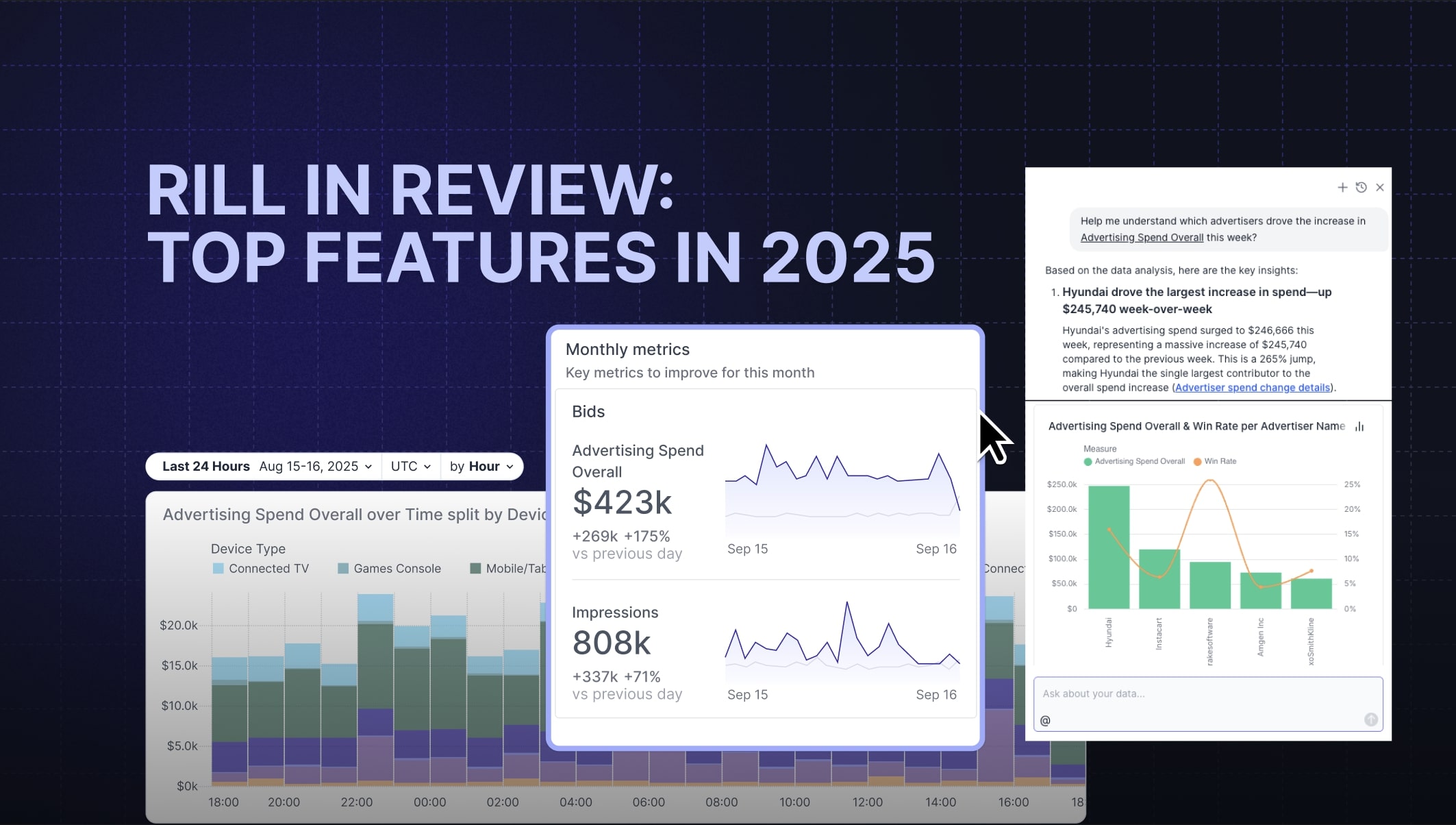
Rill in Review: Top Features That Shaped 2025


As the year closes, it's the perfect time to reflect on how Rill has grown and the features that made the biggest difference. Over the past year, we shipped improvements focused on making analytics faster, more intuitive, and easier to share across teams.
This year, we're changing up our end-of-year roundup. Instead of a single perspective, we're bringing together two voices from different parts of the organization to share their favorite new features. Alexander Thor from Product and Jon Walls from Product Evangelism each bring a unique perspective shaped by their day-to-day work with Rill.
Together, they'll highlight the features that stood out most this year. From product decisions driven by user feedback to capabilities that resonated with customers in real-world use cases, these are the updates that had the biggest impact and helped shape where Rill is headed next.
Jon Walls, Product Evangelist
AI-Powered Anomaly Detection
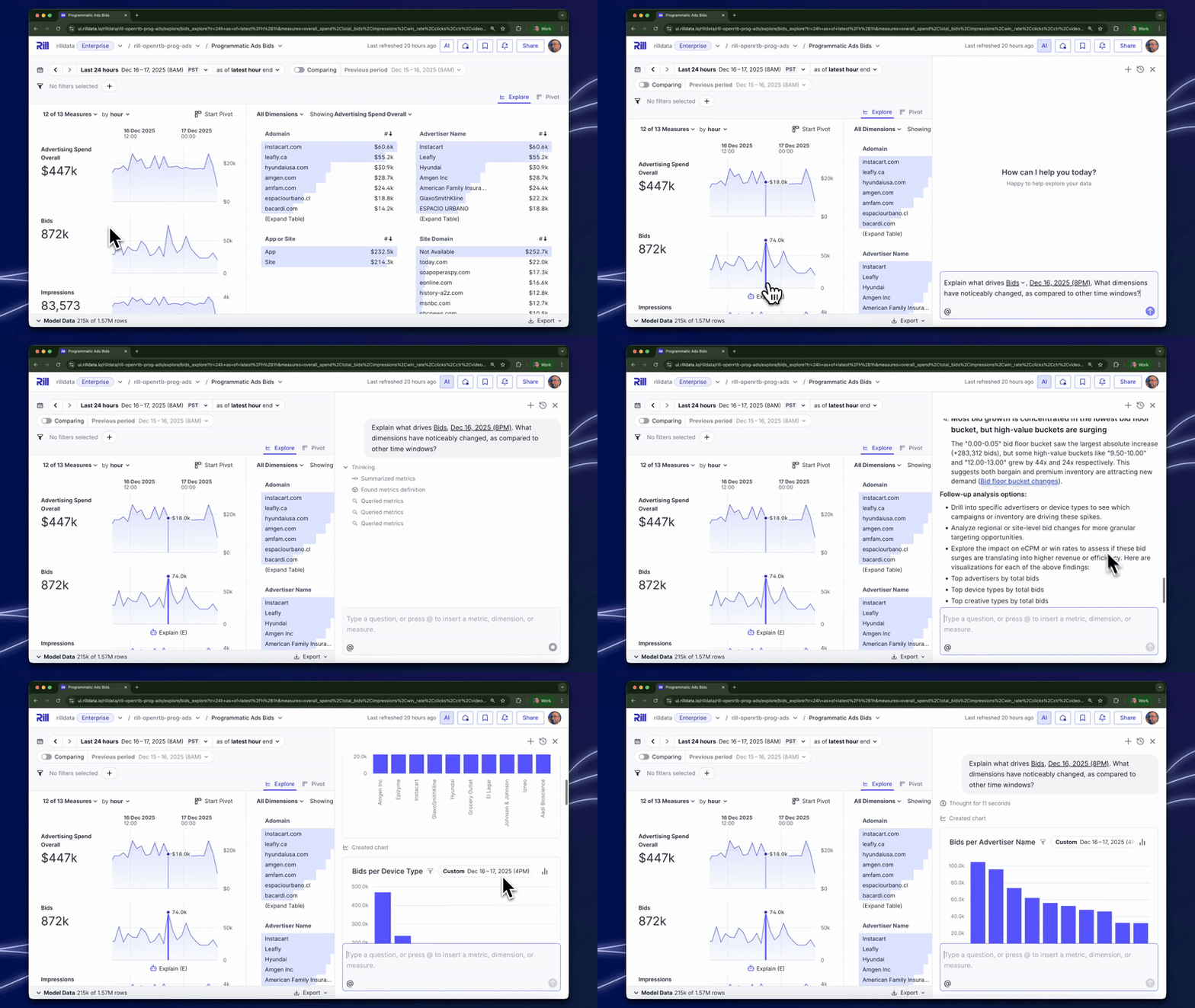
Having fast access to live operational data inevitably prompts questions – what’s going on with that spike in the data? Rill now lets you just click on “Explain” and do the initial investigation work for you.
Rill will query the data, summarise the responses, add charts and provide drill down links. It’s a superpowered upgrade to data exploration. It’s seamlessly integrated with the rest of the explore page, for instance clicking on a link in the chat will update the rest of the dashboard to highlight that particular data point.
I’ve really been enjoying this feature. It’s really nice being able to go back to a thread from a previous chat, and set the Explore to match the thread.
AI Chat and MCP Server
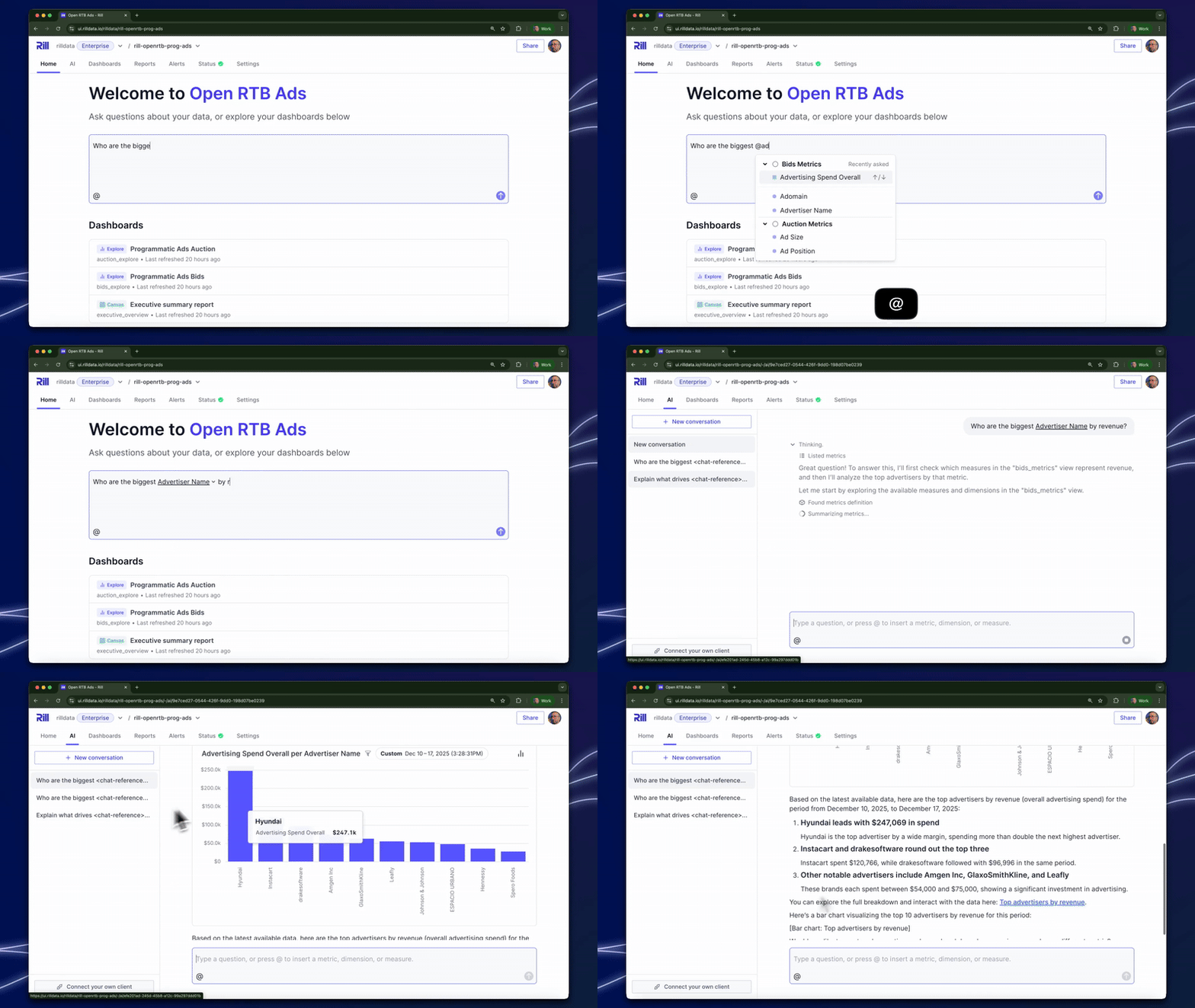
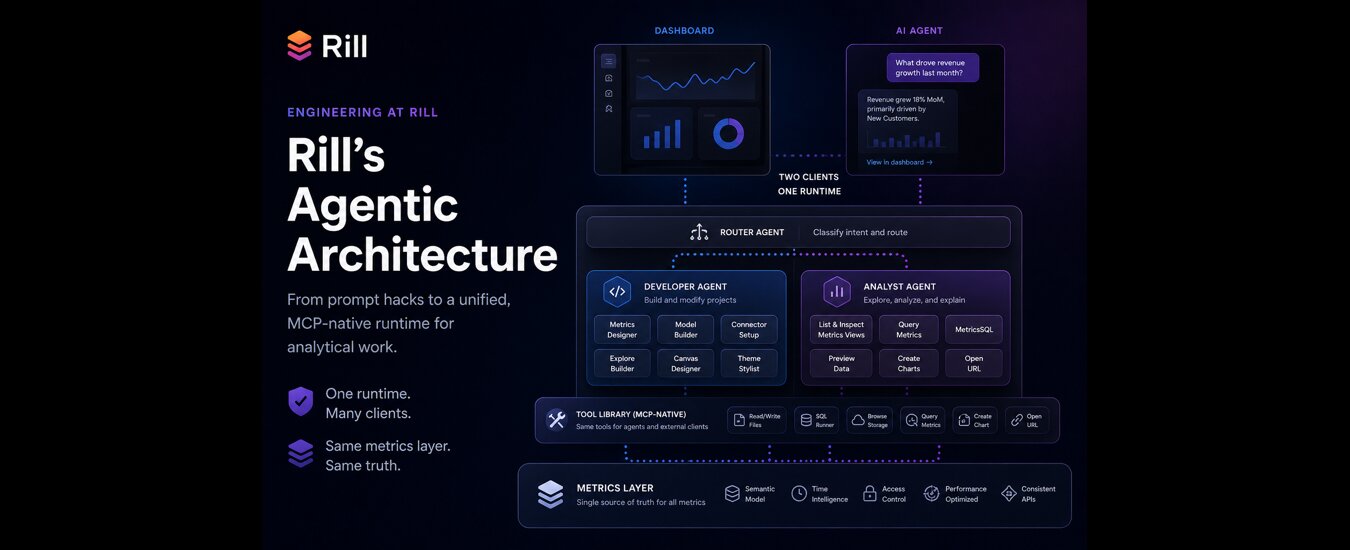
It’s been a lot of fun this year enjoying just how well AI matches up to a 100% BI-as-Code architecture. Our new AI Chat interface gives users an intuitive ability to talk to their data, leveraging the power of our semantic layer, APIs, and URL-based citations.
It’s starting to feel like “self service BI” is truly achievable, with users having to do no more than type a question into Rill to start exploring their metrics. Or using the MCP Server, you can bring that experience directly into your own chat client.
At the same time, power users in the Rill interface can quickly tell Rill what data they want to query by hitting @ to select specific fields. Since I use Rill every day (and play piano!) I like to use a keyboard to its full potential – mixing natural language with direct instructions is a really nice flow.
Canvas Dashboard
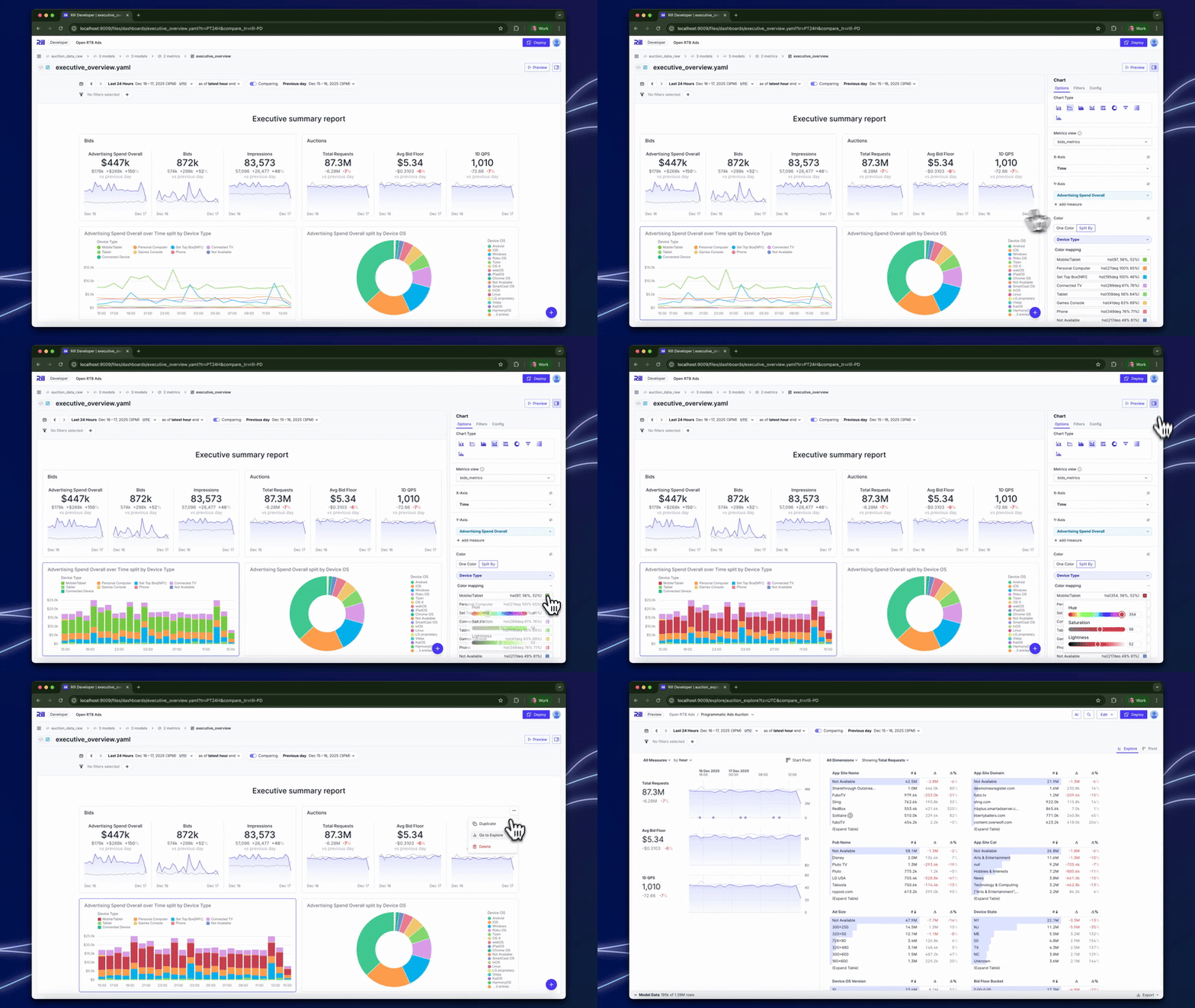
Rill started with a focus on solving a perennial problem in business intelligence: how do business users slice’n’dice their key metrics, without having to develop expert data skills? That is our “Explore” interface, and it’s proven hugely popular with data-focused business users.
At the same time, there are situations where a classic dashboard is the best fit. Summary scorecards showing your north star metrics. Embedded dashboards for a partner portal sharing a curated, locked down view of shared data. For these use cases and others, we’ve been delighted to release our “Canvas” dashboards.
Canvas dashboards meet those more “traditional” requirements, delivered with a modern twist: beautiful, super fast, and easy to drill-down to our Explore interface. It’s 100% code under the hood, and easy to integrate into your website. Don’t want to spend time designing a custom layout? Just ask a friendly AI to build it for you.
Alex Thor, Product Manager
I’ll admit it up front: I’m a nerd. While shiny UI improvements are great and all, my heart truly belongs to the features that involve APIs, configuration knobs, and the occasional well-placed SQL query. The kind of stuff that makes you quietly nod in appreciation while everyone else scrolls past looking for screenshots.
So my picks this year lean heavily toward the technical side of Rill. They’re about control, trust, and making Rill fit cleanly into the systems you already have. If you get excited by words like “state,” “assertions,” or “automation,” congratulations, this section was written for you.
Bring Your Own ClickHouse or MotherDuck
If there’s one thing that really speaks to my inner nerd, it’s being able to run analytics where the data already lives. In 2025, Rill significantly strengthened its native connectivity to ClickHouse (both on-prem and ClickHouse Cloud) as well as MotherDuck, making it easy to query these systems directly without copying data into Rill.
The result is zero-copy, blazingly fast analytics that feels exactly like working directly in your warehouse, because you are. No extra pipelines, no duplicated storage, and no wondering which copy of the data is “the real one.”
But we didn’t stop at querying. While many tools can point at a warehouse and call it a day, Rill goes a step further by letting you orchestrate data into these systems as well. You can pipe data from S3 or other supported sources, transform it, and stage it directly in ClickHouse or MotherDuck using the same workflows you already use in Rill.
The end result is that Rill stops being “just a presentation layer” and becomes something you can use end-to-end alongside these engines, from raw data all the way through to production analytics. Which, admittedly, is the kind of thing I get way too excited about.
Embed API
.jpg)
We’ve put a lot of work into the Embed Iframe API this year, transforming it from “hey, you can iframe this” into something you can actually build real experiences on top of. You can now interact with your embeds by tracking their state, which means you can build your own analytics about your analytics. Very meta.
On top of that, you can ship embeds with pre-set filters, react to user interactions, and dynamically adjust iframe height so your dashboards don’t feel like they’re trapped inside a box. If you’re embedding Rill into an application, these changes make it feel far more like a native feature and far less like a workaround.
API Documentation and Public APIs
This year we also launched our first public API documentation, which means managing Rill Cloud via code is officially a thing. You can automate tasks like provisioning users from your own identity provider and wiring Rill into your existing workflows without clicking through yet another admin UI.
And this is just the beginning. We’re actively working toward exposing data APIs and expanding our management endpoints even further. If there’s something you want to automate and can’t yet, let us know. There’s a very good chance it’s already on a whiteboard somewhere, possibly with too many arrows.
.svg)



Ready for faster dashboards?
Try for free today.